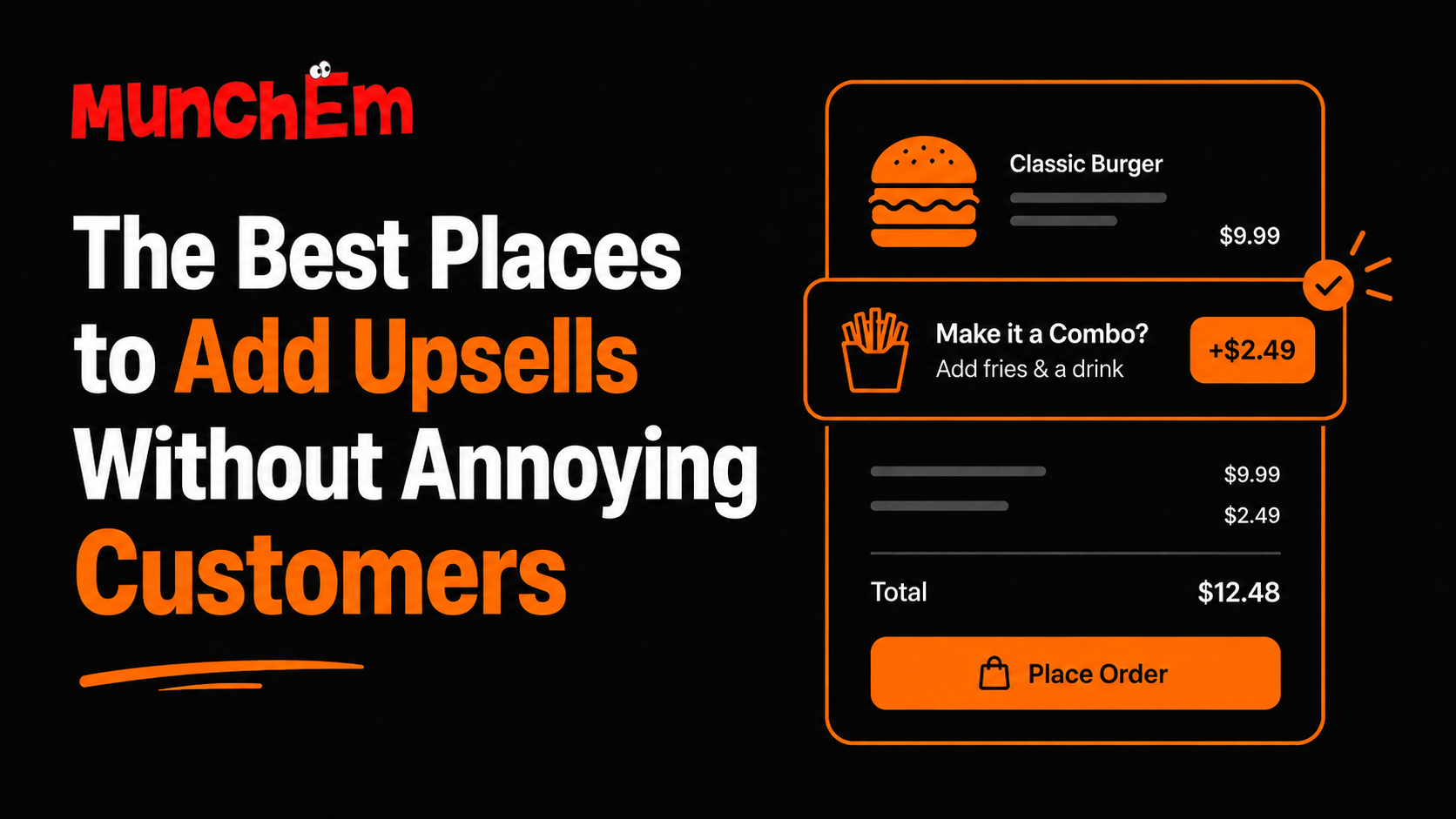
Upselling doesn't have to mean pushing customers to spend more. When done well, it's about helping customers notice something they might genuinely enjoy—a side that pairs with their meal, a drink to complete an order, or an easy upgrade.
The key is where and when you make the suggestion. Put the right offer in the right part of the ordering experience, and it can feel helpful instead of intrusive.
Start With the Order, Not the Customer
The best upsells are connected to what someone is already buying.
If a customer orders a burger, suggesting fries or a drink makes sense. If they order a pizza, offering a side or dessert is relevant. If they're ordering lunch for a group, a larger bundle may be useful.
The mistake is showing random promotions that have nothing to do with the customer's order.
A simple rule: make the upsell feel like a natural next step.
1. On the Menu Item Page
One of the best places to introduce an upsell is immediately after a customer selects an item.
They're already thinking about what they're ordering, so a relevant suggestion doesn't interrupt the process.
For example:
Classic Burger
Add fries + $3.50
Add a drink + $2.00
This works because the suggestions are directly related to the item.
You can also offer upgrades such as extra toppings, premium ingredients, larger portions, or add-ons.
Keep the number of choices manageable. Giving customers ten different upgrades can create decision fatigue instead of increasing sales.
2. During Customization
Customization is another natural opportunity.
A customer who is already choosing toppings or modifying an item is in an active decision-making mindset. That's a good moment to offer relevant extras.
For a pizza, you might suggest an additional topping. For a sandwich, you could offer cheese, avocado, or another ingredient. For a coffee, you might offer an extra shot or alternative milk.
The important part is relevance.
Don't turn every customization screen into an advertisement. Give customers a few useful options and let them move on.
3. Before Checkout
The checkout stage can be one of the most effective places for a simple last-minute suggestion.
The customer has already decided to buy. A small, relevant recommendation can help them complete the order.
Think:
“Add a drink for $2?”
or
“Want to add dessert?”
This works particularly well for low-cost additions that don't require much thought.
But keep it easy to skip. Customers shouldn't feel like they have to reject an offer before they can pay.
A clear “No thanks” or simple skip option keeps the experience friction-free.
4. With Combos and Bundles
Instead of asking customers to add several individual items, make the decision easier with a bundle.
For example:
Make it a combo: +$4
Burger + fries + drink
Bundles can work because they reduce the number of decisions a customer needs to make.
They also give customers a clear idea of what they're getting for the additional cost.
The best bundles are easy to understand at a glance. Avoid complicated pricing or forcing customers to compare too many combinations.
5. On the Order Confirmation Screen
The order confirmation screen is often overlooked.
Once the order is complete, you generally don't want to disrupt the customer with aggressive sales messages. But a carefully timed suggestion can still be useful, particularly for future orders.
For example:
Enjoyed your meal?
Join our loyalty program and get updates on future offers.
This shifts the focus from increasing today's order value to encouraging another visit.
That's important because upselling isn't only about adding one more item. Getting a customer to come back can be even more valuable.
6. Through Loyalty and Repeat Ordering
Once customers have ordered from you before, you have useful context about their preferences.
That can make future recommendations more relevant.
If someone regularly orders a particular meal, you could highlight a new side that pairs with it. If they frequently order lunch, you could show a lunch bundle or limited-time offer.
The goal isn't to overwhelm repeat customers with promotions.
It's to make their next ordering experience easier and more personalized.
Keep Upsells Relevant
The biggest factor in whether an upsell feels helpful or annoying is relevance.
A customer ordering a salad probably doesn't need to see five unrelated offers. A customer ordering a family meal may appreciate a suggestion for an additional side or larger drink option.
Think about the customer's intent.
What would genuinely make this order better?
That's a much better question than:
“What else can we sell them?”
The difference may seem small, but it changes the entire customer experience.
Don't Overdo It
More upsells don't automatically mean more revenue.
If every screen contains promotions, customers can become frustrated. Too many choices can also slow down ordering and make checkout feel complicated.
Start with a few high-confidence recommendations.
Track which offers customers actually accept. Look at average order value, conversion, and whether the upsells affect checkout completion. Then adjust based on what the numbers tell you.
A good upsell should increase value without creating unnecessary friction.
Make the Recommendation Feel Like a Service
The best upsells often sound less like advertising and more like a helpful suggestion.
Instead of:
“BUY THIS NOW!”
Try:
“Make it a combo?”
or:
“Add fries for $3?”
Simple language works because customers immediately understand the suggestion.
You don't need to convince someone for five paragraphs. Give them the information they need and let them decide.
The Bottom Line
Upselling works best when it fits naturally into the ordering journey.
Place relevant suggestions next to menu items, during customization, before checkout, and within bundles. Keep the choices simple, make them easy to skip, and use customer behavior to improve what you recommend.
The goal isn't to make customers spend more at every opportunity. It's to help them discover something useful while making each order more valuable for your restaurant.
See how MunchEm can help you build smarter upsells into your ordering experience.