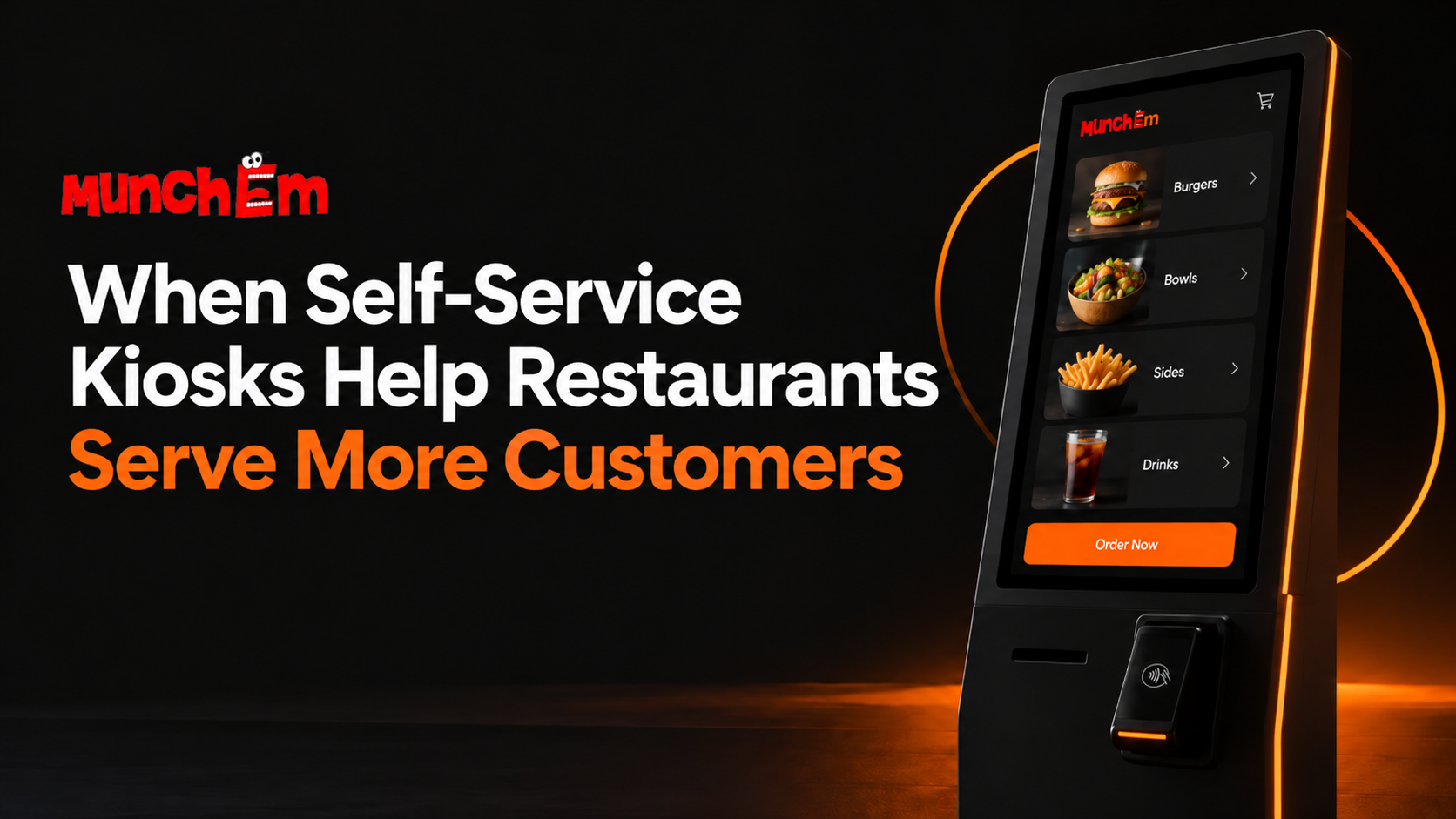
Restaurant owners are constantly looking for ways to serve more customers without making the operation more complicated. During busy periods, the biggest bottleneck is often not the kitchen. It is the ordering process.
When too many customers are waiting to place an order, staff can become overloaded, lines grow, and the entire restaurant slows down. Self-service kiosks can help by giving customers another way to order without relying on an employee for every transaction.
Used correctly, kiosks can improve speed, reduce repetitive work, and help restaurants handle more orders with the same team.
Self-Service Kiosks Reduce Pressure at the Counter
In many restaurants, one employee may be responsible for greeting customers, explaining the menu, taking orders, entering modifications, processing payments, and answering questions.
That works when traffic is light. During a lunch or dinner rush, it can quickly become a bottleneck.
A self-service kiosk moves some of those repetitive tasks away from the counter. Customers who already know what they want can browse the menu, customize the order, and complete the transaction themselves.
This gives employees more time to help customers who actually need assistance.
The goal is not necessarily to eliminate counter service. It is to prevent every customer from being forced through the same line.
Kiosks Can Help Restaurants Handle Rush Hours
Peak periods are where restaurant systems are tested.
A restaurant may operate smoothly at 3:00 p.m. and struggle at 6:30 p.m. when several customers arrive at once. Adding more people to the line does not automatically increase how quickly orders can be taken.
Adding another ordering point can.
For example, imagine a restaurant with one staffed register and two self-service kiosks. Instead of every customer waiting for the same employee, several orders can be entered at the same time.
That extra ordering capacity can help the restaurant move more customers through the front of the business without requiring another cashier for every rush.
Customers Can Order at Their Own Pace
Some customers want to order quickly. Others want time to look at the menu, compare options, check ingredients, or customize a meal.
At a staffed counter, that decision-making time can slow down the people waiting behind them.
A kiosk gives customers more control.
They can browse categories, review available options, add modifiers, and check the order before submitting it. Someone who needs more time is not holding up another customer who already knows what they want.
That can make the experience feel less rushed for the customer while also helping the restaurant keep orders moving.
Clear Menus Can Reduce Ordering Mistakes
Verbal ordering creates opportunities for misunderstandings.
A customer may request an item one way while the employee hears something slightly different. Special instructions may be entered incorrectly. A modifier may be missed during a busy shift.
With self-service ordering, the customer enters many of those choices directly.
A well-designed kiosk can clearly show sizes, toppings, add-ons, substitutions, and other available choices before the order is submitted.
Customers can also review the complete order before paying.
This does not eliminate every mistake, but it can reduce errors caused by rushed conversations and manual order entry.
Kiosks Can Free Employees for Higher-Value Work
Taking a simple order is important, but it is also repetitive.
During busy periods, restaurant employees may be more useful preparing food, packaging orders, handling pickup customers, cleaning tables, restocking supplies, or helping someone with a complicated question.
A kiosk can take care of straightforward transactions while employees focus on work that requires a person.
That distinction matters for smaller restaurants where every employee may be handling several responsibilities.
The value of self-service is not simply that customers do the ordering themselves. The bigger benefit is that employees can spend more of their time where the restaurant needs them most.
Digital Ordering Can Make Upselling More Consistent
Employees do not always have time to suggest an extra drink, side, topping, or dessert during a rush.
A digital ordering flow can present those options consistently.
For example, after a customer chooses a burger, the kiosk might show available sides or beverages. Before checkout, it can remind the customer about an optional add-on.
The important part is to keep these suggestions relevant and simple. Too many prompts can slow the order down and frustrate customers.
Used carefully, digital upselling can give every customer the same opportunity to discover additional items without depending on an employee remembering to ask.
Self-Service Works Best When It Connects to the Rest of the Operation
Installing a kiosk by itself does not automatically improve restaurant efficiency.
The orders still need to reach the right place.
If employees must manually copy kiosk orders into another system, the restaurant has simply moved the bottleneck.
A useful self-service setup should fit into the restaurant's broader ordering workflow. Kiosk orders, online orders, counter orders, and other sales channels should be easy for the team to identify and manage.
The simpler the process is behind the scenes, the more useful the kiosk becomes during real rush-hour conditions.
Not Every Customer Has to Use a Kiosk
Self-service should usually be an option, not a barrier.
Some customers prefer speaking with an employee. Others may have accessibility needs, complicated questions, or unusual requests that are easier to handle in person.
A restaurant can offer both.
Customers who want speed can use the kiosk. Customers who need help can use the counter.
This hybrid approach can reduce the line without removing personal service.
Measure Whether the Kiosk Is Actually Helping
A kiosk should solve an operational problem.
Restaurant owners should look at whether it is actually improving the business.
Useful questions include:
- Are customers waiting less time to order?
- Can the restaurant handle more orders during peak periods?
- Are employees spending less time entering simple transactions?
- Are order mistakes decreasing?
- Are customers using the kiosk willingly?
- Is the overall ordering process easier to manage?
If the answer is yes, the kiosk is doing more than adding technology. It is adding capacity.
Conclusion
Self-service kiosks can help restaurants serve more customers when ordering is one of the main bottlenecks.
They give customers another way to place orders, reduce pressure on employees, make customization clearer, and allow restaurant teams to focus on preparation and service.
The best kiosk systems are not complicated. They simply make the ordering process easier for both the customer and the restaurant.
Want to see how self-service ordering can fit into your restaurant? See how MunchEm can help you create a smoother ordering experience and serve more customers with less friction.